



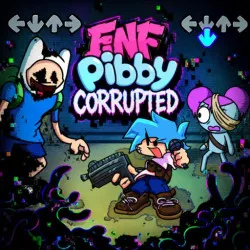
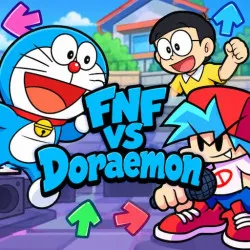
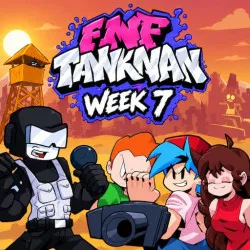
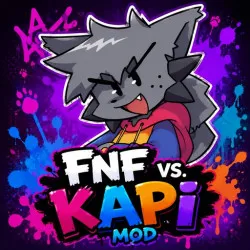



















About FNF Online
FNF Online is the right option if you are looking to jump straight into rhythm battles without the hassle of downloading or installing the game. Simply open your browser, go to the game page and select the game to begin following the familiar arrows of Friday Night Funkin'. But despite this accessibility, the brisk music and rapid-fire key sequences are still a real test of player reflexes.
How to Play FNF Online
Hit the beat and follow the arrows
Musical notes move towards their respective places on the screen in each level. When the arrow reaches the target area, you need to press the appropriate directional button at that moment. That may sound simple, but the song gets faster, and the number of consecutive notes increases as time goes on, making it difficult to keep the rhythm.
You can play using either the WASD keys or the arrow keys. The key is not just speed but timing; pressing the wrong keys repeatedly will deplete your health bar, potentially leading to failure before the song ends.
You’ll see some of the songs begin very laid back, but the tempo does tend to change as the music goes on. Short key sequences can easily turn into rapid, continuous lines of notes that demand both concentration and rapid finger reflexes.
If you don’t pass a song the first time, don’t rush to play it faster right away. Play the track again and listen to the bits where you mess up a lot. It’s easier to keep up the beat and increase your score with each attempt once you find the rhythm.
Where can you play FNF Online?
FNF Online lets you play directly without downloading any extra files or going through complicated installation steps. Play fnfgameonline.io. All you need to do is load the site in your browser, select the game and start having your musical battles as soon as it loads.
The advantage here is convenience. With just a few minutes to spare, you can jump in, try to beat a difficult level and then get back to other tasks. Also, it’s far more accessible than versions that require a standalone installation, as the site works on various devices with compatible browsers.
Tips for playing FNF Online
- Start with easy-tempo songs: Get used to how the notes move before tackling faster levels.
- Prioritise accuracy: Hitting the beat correctly is more important than simply mashing keys.
- Keep your hands in a comfortable position: This allows for quicker movements during long note sequences.
- Hear the music: It might be easier to anticipate the rhythm with the melody instead of depending on just the visual clues from the screen.
- Don't let a single mistake break your focus: Missing a few notes is better than panicking and hitting the wrong keys repeatedly.
- Break the challenge down: If a song is too hard, play it over and over until you know the parts with the hard note patterns by heart.
- If your hands get tired, take a break: sometimes a moment away helps you get back into the rhythm more effectively.
- Either WASD or arrow keys: Use whichever control scheme is most natural to you and lets you react the fastest.
Conclusions
FNF Online allows players to enjoy the classic rhythm battles in their browsers. No installation or long setup required, just open up the game, choose a song and start hitting the notes on the beat. Visit fnfgameonline.io, tackle the opening note sequences, and see how long you can keep your combo going!